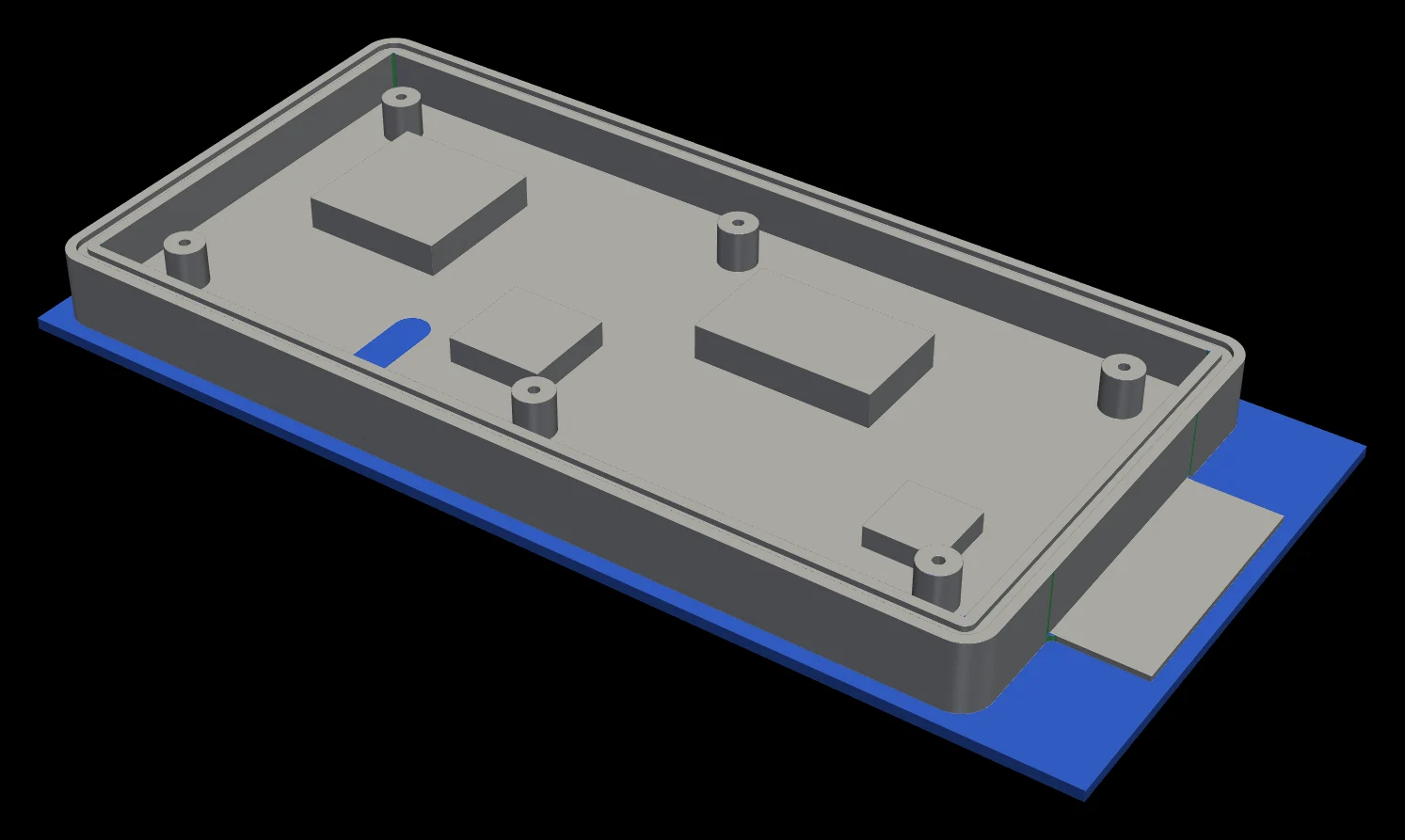
PivotCAM reads your model, finds every pocket, hole and face, and builds the roughing-to-finishing program with real tools from your crib. Simulate the cut, fix what it flags, post G-code.
Fusion 360-style controls, so it feels familiar on day one. The rest is driven from the keyboard.
Pick an STL. Stock is prefilled, features are recognized.
Click a pocket to program it, or press A for the whole part.
Watch the stock come off. Gouges, collisions and leftover stock are flagged.
G-code and a setup sheet, ready for the machine.
Every rule in it came from a part that ran on a real machine.
Pockets, pads, ledges, sloped cavities, through and blind holes, the top face and the outside profile, found from the geometry.
Constant-engagement HSM roughing from the stock top, then each smaller tool cleans only what the bigger one couldn't reach.
Drawing callouts become real processes: spot, peck drill, ream and rigid tap, with feeds synced to the pitch.
Standard catalog sizes, set as short as the cut allows. Tools already loaded in the machine keep their pockets.
Holder and fixture collisions, gouges and missed stock are caught in verification, with a one-click FIX.
Haas post built in, tool changes minimized, plus a setup sheet with stick-outs and loaded tools marked.
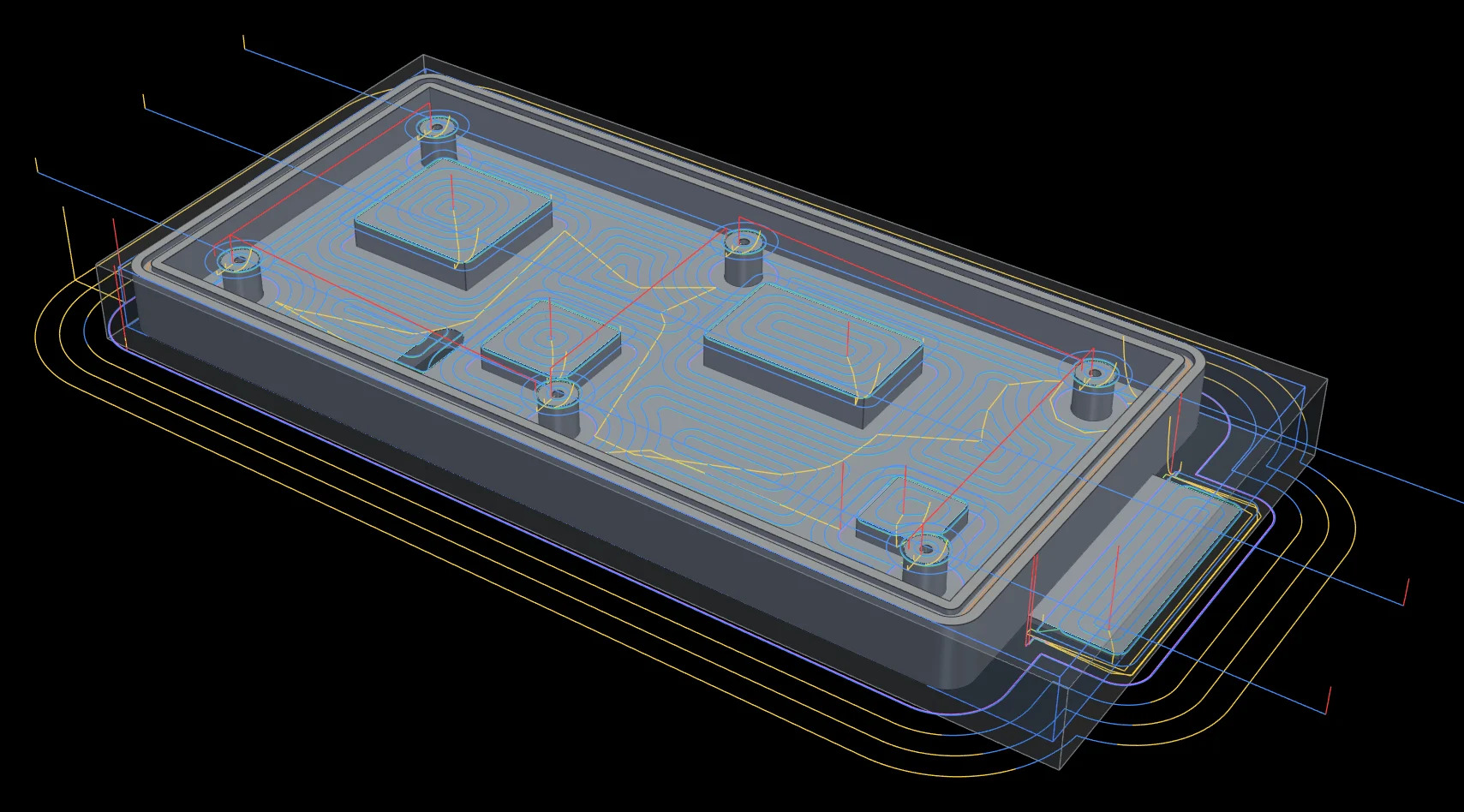
A full material-removal simulation runs the posted program against the stock.
Every change in the app goes through the same job API you can call from Python: open jobs, turn on ops, set depths and tools, verify, post. Undo history included.
from pivotcam.api import Job job = Job.new("bracket.stl") job.set_on([op["id"] for op in job.ops()]) job.size_tools() # shortest standard tools that clear print(job.cycle_time()) # minutes per part job.save("bracket.pathy") open("O1001.nc", "w").write(job.gcode())
PivotCAM is in use on a production floor today. Leave your email and we'll reach out when it's open to more shops.